
An engineering process that can be repeated should be used to move an application to a production server, not a stressful series of SSH commands, last-minute configuration changes, and hoping for the best.
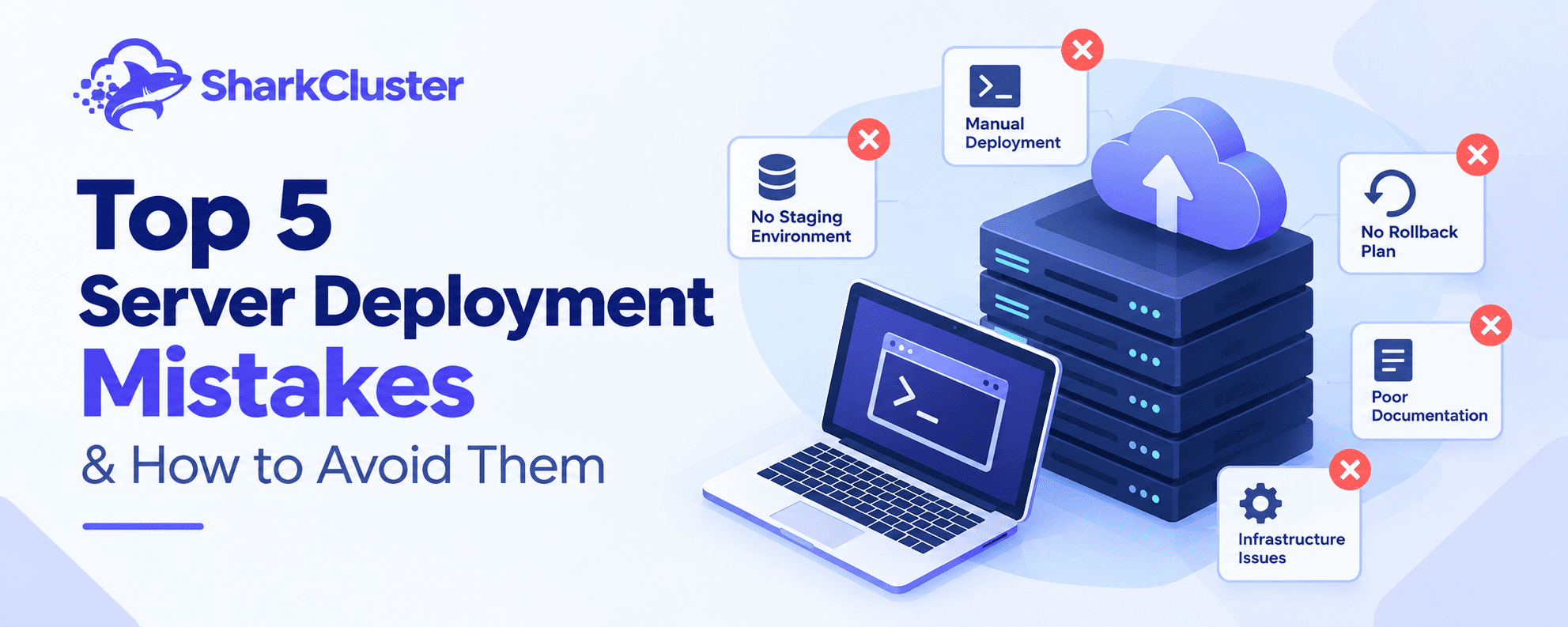
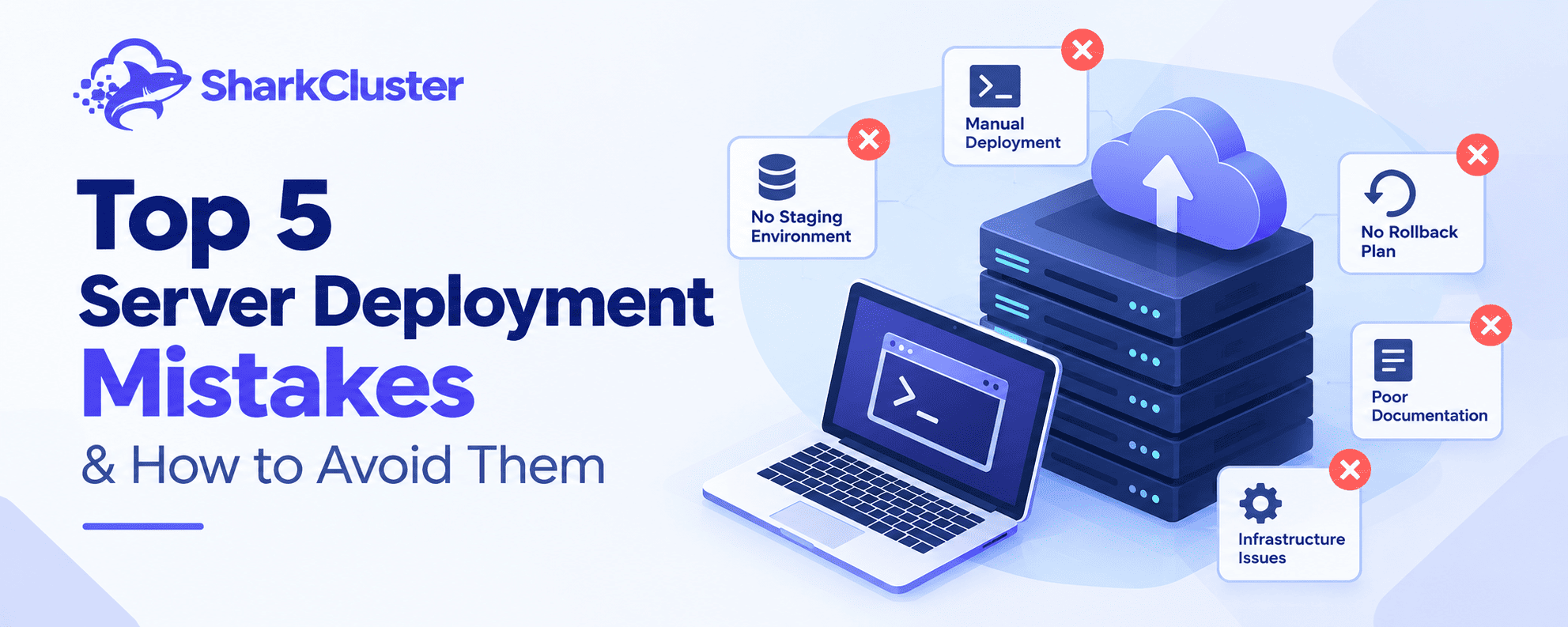
However, many development teams continue to make the same server deployment mistakes by manually deploying, skipping staging, finding infrastructure issues too late, not having a rollback strategy, or not documenting how their systems actually function.
The results can last anywhere from a few minutes of debugging to hours of emergency work, lost customer trust, and prolonged downtime.
Deployment is increasingly being viewed as a measurable engineering procedure in modern DevOps practices. DORA, for example, tracks metrics such as deployment frequency, change lead time, change fail rate, deployment rework rate, and failed deployment recovery time to understand both delivery speed and stability.
The good news? The majority of deployment issues can be avoided.
The top five server deployment mistakes will be discussed in this guide, along with their causes and practical solutions, including how a server management platform like SharkCluster can simplify the process.
Error #1: Implementing Manual Deployment Methods
One of the most common mistakes made during server deployment is to do everything manually.
A typical manual deployment might look like this:
- SSH into the production server.
- Pull the latest Git changes.
- Install dependencies.
- Modify environment variables.
- Run database migrations.
- Restart the application.
- Check whether the website works.
- Troubleshoot anything that breaks.
For a small application with just one developer and one server, this might work. However, managing manual deployment becomes more difficult as the project grows.
The Dangers of Using a Manual Deployment
Humans are erratic. A command can be skipped, executed in the wrong directory, or targeted at the wrong server.
Configuration differences can also accumulate between servers. One machine may have a newer package version, a different environment variable, or a manually modified configuration file.
The result is a deployment process that depends on someone's memory rather than a predictable workflow.
Manual processes also make it difficult to answer simple questions:
- What exactly changed during the last deployment?
- Which commands were executed?
- Who deployed the release?
- Can we reproduce the same deployment?
- If the deployment fails, what happens?
Preventing It
Make routine deployment tasks automatic.
Activities like code retrieval, dependency installation, environment configuration, application restarts, and post-deployment checks should be standard in a good deployment workflow.
SharkCluster's automation features can help cut down on repetitive server management tasks in this area. Instead of treating every deployment as a unique SSH session, teams can build a more consistent operational workflow.
Best practice: Look for ways to automate a deployment if it requires you to remember more than a few commands.
Error #2: Skipping a Staging Environment
Sending changes directly from development to production is a major deployment error. The perception that staging is an unnecessary additional step causes it to occur frequently.
Before putting a change into production, a developer tests it on their own computer to make sure it works.
The issue lies in the distinction between works on my machine and works in production.
Production environments can differ in:
- Operating-system packages
- PHP, Node.js, Python, or other runtime versions
- Environment variables
- Database versions
- File permissions
- Network configuration
- External services
- Server resources
A Real-World Failure Scenario
Imagine a developer updates an application dependency.
The application works correctly on their laptop.
They deploy it to production.
The application starts — but immediately begins throwing errors because the production server has a different runtime version.
Now the developer has two choices: troubleshoot the production issue under pressure or revert the deployment.
A staging environment would have provided an opportunity to catch the incompatibility before customers encountered it.
The Better Approach
Use an environment that closely resembles production.
A practical workflow looks like:
Development → Staging → Production
Changes should first be deployed to staging, where the team can test:
- Application startup
- Database migrations
- API integrations
- Authentication
- Background jobs
- File uploads
- Performance-sensitive functionality
- Environment-specific configuration
Only after the release passes validation should it move to production.
Although staging does not guarantee that production will never fail, it does move more failures into a safer and easier-to-investigate environment.
A best practice is to keep staging as close to production as possible.
Error #3: Not Paying Attention to Infrastructure Monitoring
The process of deploying an application does not end with deployment. The application's next operational phase begins here.
One of the most expensive server deployment mistakes is deploying successfully and then failing to monitor what happens afterward.
An application may technically start successfully while experiencing serious problems. For instance:
- The CPU usage suddenly reaches 100%.
- Memory consumption keeps increasing.
- Disk space runs out.
- Database connections become exhausted.
- Response times increase.
- A background worker stops processing jobs.
- Error rates increase after a new release.
These issues might go unnoticed until users report them if there is no monitoring.
What Happens When There Is No Monitoring?
Let's say that a memory leak is added in a new version.
Following deployment, everything immediately appears to be normal.
The application becomes unstable and consumes a lot of memory after a few hours.
With alerts and monitoring, the team can find unusual resource use much earlier.
What Should You Keep Watching?
At minimum, consider tracking:
- CPU utilization
- Memory usage
- Disk usage
- Network activity
- Application availability
- Response time
- Error rates
- Service status
- Database health
- Deployment-related incidents
Monitoring should also be connected to your deployment process. If an application's error rate increases immediately after a release, that information can help determine whether the deployment is responsible.
DORA's software delivery framework specifically emphasizes both delivery throughput and instability, including change fail rate and failed-deployment recovery time.
The Solution
Use centralized infrastructure monitoring and establish meaningful alerts.
Server operations, monitoring, and deployment workflows can all benefit from SharkCluster's server management capabilities.
The objective is to be aware of situations in which you need to respond before your customers do.
Error #4: Not Having a Plan for a Rollback
Deployments can fail, even when tested thoroughly.
A dependency may behave differently in production. A migration may cause an unexpected issue. A configuration change may break an integration.
The mistake isn't that something went wrong. The mistake is having no reliable way to recover.
Imagining This Situation
You release a significant application update at 11 p.m.
Customers start to complain about not being able to complete the checkout around 11:10 p.m.
The development team discovers at 11:15 p.m. that the latest release introduced an unexpected API compatibility issue.
However, the precise method for restoring the previous version is unknown.
Someone starts manually copying files. Another developer searches through Git history. Someone else tries restarting services. Minutes turn into hours.
This is exactly the kind of situation a rollback strategy is designed to prevent.
Build Rollback Into the Deployment Process
Before deploying, know:
- What version is currently running?
- What version are you deploying?
- Where is the previous release stored?
- How do you restore it?
- What happens to database changes?
- How do you verify the rollback?
- Who has permission to execute it?
For application releases, versioned artifacts and Git commits provide useful recovery points. For infrastructure, backups and snapshots can provide another layer of protection.
A strong deployment process should make recovery a planned operation rather than an emergency experiment.
SharkCluster and Safer Recovery
Server-management and deployment tooling can make release management more consistent by giving teams centralized control over deployment workflows and server operations.
A deployment isn't complete until you know how you will recover if it fails.
Reiterating the significance of recovery, not just successful deployment, DORA also considers failed-deployment recovery time to be an important software delivery performance metric.
Error #5: Not Keeping Records of Your Infrastructure
When infrastructure documentation does not feel urgent, it is frequently put off.
Until the person who understands everything leaves the company or goes on vacation.
Simple inquiries suddenly become difficult:
- Which server hosts the production application?
- Which ports need to be open?
- Where are environment variables configured?
- Which services must be restarted after deployment?
- What database is being used?
- How is SSL configured?
- Where are backups stored?
- How do we roll back the latest release?
Without documentation, infrastructure knowledge becomes tribal knowledge.
The Team Impact
Onboarding is slowed down and operational risk is raised by inadequate documentation. An environment that could have been explained in a few pages may require hours of understanding for a new developer.
Undocumented infrastructure is even more dangerous during an incident because engineers have to find the system in order to fix it.
What Should You Document?
Create a practical infrastructure runbook containing information such as:
Server information
- Server purpose
- Operating system
- Hosting provider
- Application location
- Important services
Application information
- Deployment process
- Runtime versions
- Environment configuration
- Build commands
- Restart commands
Networking
- Domains
- Ports
- Reverse proxy configuration
- SSL configuration
- Firewall rules
Data
- Database location
- Backup process
- Backup retention
- Restore procedure
Recovery
- Rollback procedure
- Emergency contacts
- Common failure scenarios
- Recovery steps
Documentation need not be difficult to write. The documentation that your team will actually use is the best documentation for infrastructure.
Bonus: Infrastructure as Code
As infrastructure gets more complicated, it gets harder to replicate manual server configuration.
Infrastructure as Code (IaC) really shines in this circumstance.
You define the infrastructure's configuration with code and configuration files rather than relying solely on a dashboard or SSH session.
Teams can define infrastructure and consistently reproduce it with automation technologies like Terraform and Ansible.
Why IaC Is Important
Infrastructure as Code can help you:
- Reproduce environments
- Track configuration changes
- Review infrastructure changes
- Reduce manual configuration
- Standardize deployments
- Simplify disaster recovery
- Improve collaboration
You could, for instance, define the desired configuration once and apply it consistently with automation rather than manually configuring five servers.
How to Begin Using IaC
You don't have to convert your entire infrastructure overnight
Start with one repeatable problem.
For instance:
Step 1: Document how a server is configured.
Step 2: Identify repetitive configuration tasks.
Step 3: Automate those tasks.
Step 4: Keeping the configuration in version control is the fourth step.
Step 5: Test the procedure on a server that is not used for production.
Step 6: Gradually introduce automation to additional settings.
When combined with automated deployment, monitoring, backups, and documented recovery procedures, IaC performs exceptionally well.
A Better Server Deployment Checklist
Before deploying to production, ask:
- Is the deployment process automated or repeatable?
- Has the release been tested in staging?
- Are server and application metrics being monitored?
- Do we have a tested rollback procedure?
- Are backups available if something goes wrong?
- Is the infrastructure documented?
- Are configuration changes tracked?
- Can another team member reproduce the deployment?
- Do we know how to verify the deployment succeeded?
If multiple responses are no, your deployment procedure probably needs work.
Introduce Predictability to Deployment
Server deployment mistakes are rarely caused by one bad command. They usually come from fragile processes.
Manual deployments create inconsistency. Skipping staging increases production risk. Missing monitoring delays detection. Small failures escalate into major incidents if there is no rollback plan. The entire system is dependent on individual team members because of inadequate documentation.
Making deployment repeatable, observable, recoverable, and documented is the solution.
Start small. Make one repetitive task automatic. Start with staging. Add monitoring. Test your rollback procedure. Document your infrastructure. Then gradually build a deployment workflow that your entire team can trust.
SharkCluster consolidates essential infrastructure workflows to simplify server and application management.
Check out SharkCluster's automation and deployment features, read our first blog post for more information on server management, and check out the pricing page to find the right plan for your infrastructure.
Are you prepared to simplify and improve the reliability of your deployments? Try SharkCluster and move from manual server management toward a more consistent deployment workflow.
Run this on your own VPS
Deploy servers and applications on infrastructure you own, managed from one panel — backups, caching, firewall and monitoring included.