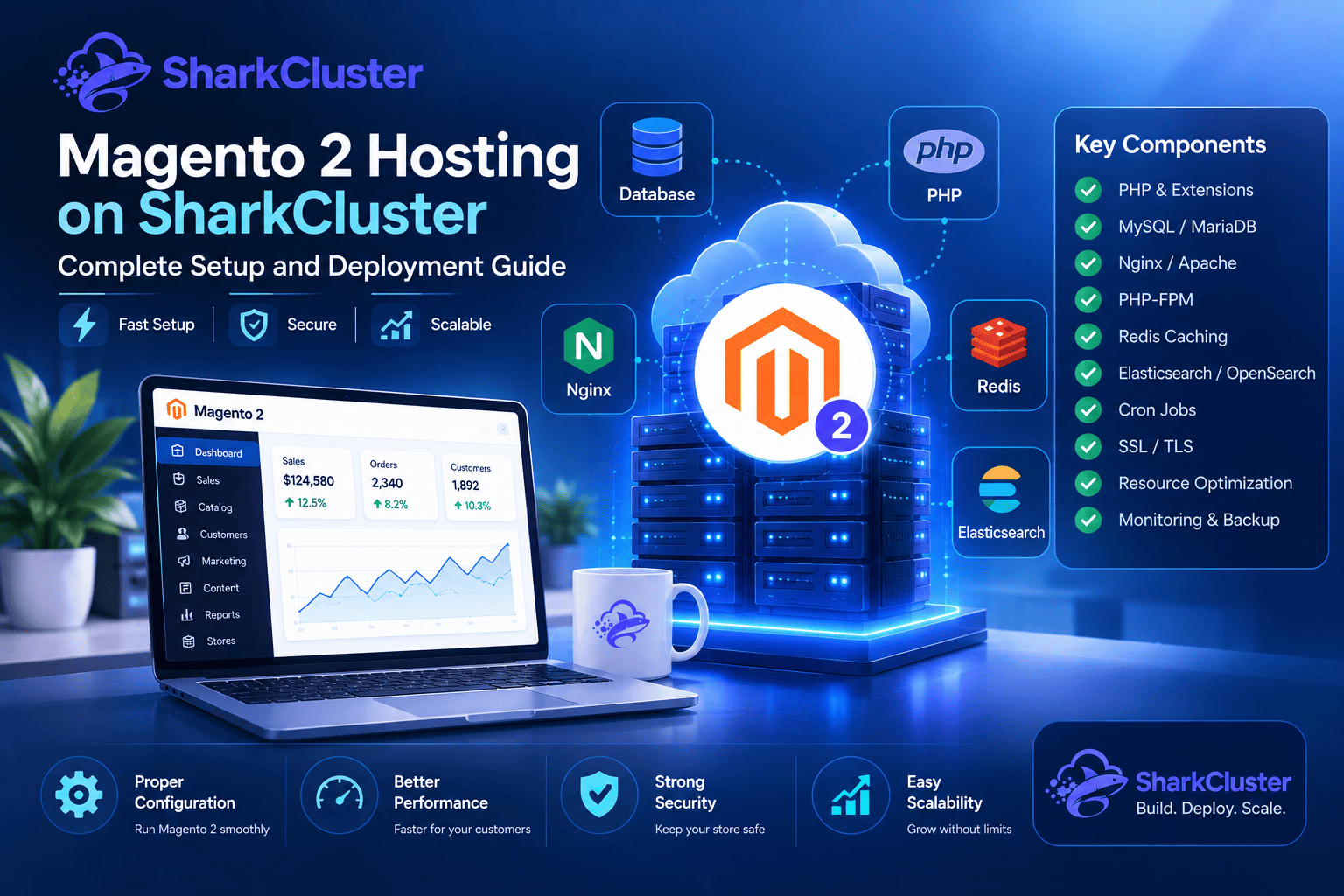

There is more to running a Magento 2 store than just installing an application on a server. PHP, databases, caching, background jobs, storage, and server resources are all critical components of the powerful Magento eCommerce platform. An unreliable shopping experience, sluggish page loads, failed deployments, and database bottlenecks are all possible outcomes of a poorly configured environment.
Developers have more control over these requirements when they select the appropriate Magento 2 hosting environment. SharkCluster provides a server management and application deployment environment that helps developers provision infrastructure and configure the components required to run modern web applications.
This guide for Magento 2 hosting on SharkCluster covers everything from server requirements to PHP and database considerations to deployment, cron configuration, performance optimization, security, and future scaling.
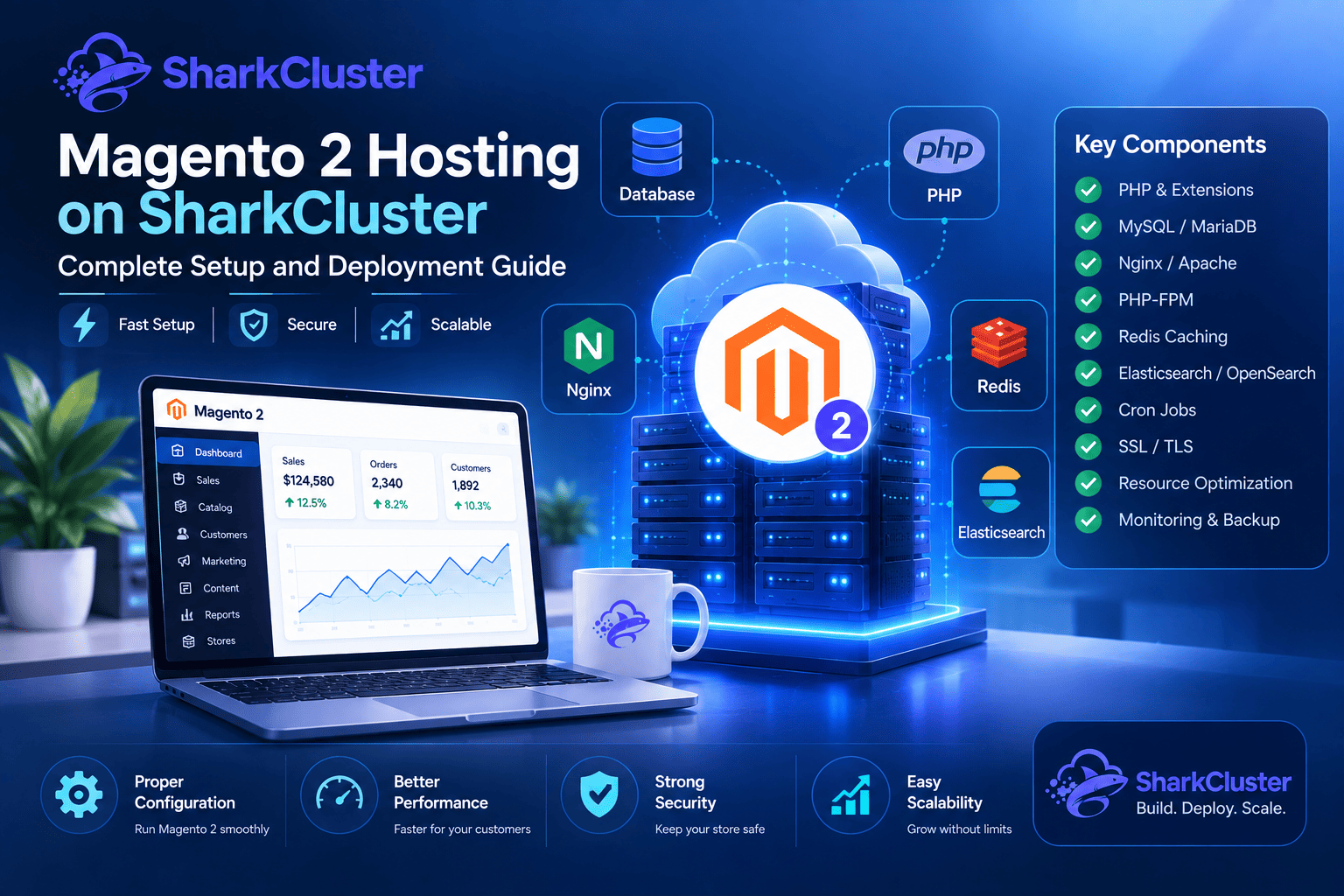
What Is Magento 2 Hosting?
Magento 2 hosting is a server environment specifically designed to run the Magento 2 eCommerce platform.
Unlike a basic PHP website, Magento depends on several server-side components working together.Some examples include:
- PHP and required PHP extensions
- MySQL-compatible database infrastructure
- Nginx or Apache
- PHP-FPM
- Redis for caching and sessions
- Elasticsearch or OpenSearch depending on the Magento version
- Cron jobs
- SSL/TLS
- Adequate CPU and memory
- Reliable storage
- Systems for monitoring and backup
Magento also performs resource-intensive operations such as catalog indexing, cache management, order processing, and background tasks.
For this reason, the hosting environment should be planned around the Magento version and expected workload instead of using a generic server configuration.
Magento 2 Server Requirements
Before deploying Magento, determine the requirements of the exact Magento release you intend to use.
Magento requirements can change between releases, particularly for PHP, database engines, search services, and supported operating systems. Therefore, developers should always verify the official requirements for their selected Magento version before provisioning production infrastructure.
Important areas to check include:
PHP Version
When deploying Magento, PHP compatibility is one of the most significant considerations.
Not all of the time is a more recent PHP version the best choice. Your Magento release must support the PHP version installed on the server.
For example, if an existing Magento application was developed for a specific PHP version, upgrading PHP without checking application compatibility can cause:
- Installation failures
- Composer dependency conflicts
- Deprecated-function warnings
- Extension compatibility problems
- Runtime errors
The best approach is to select the Magento version first, and then configure the PHP version to be compatible with that release.
Database
Magento relies heavily on its database for products, customers, orders, configuration, inventory, and other application data.
The database version should also match Magento's supported compatibility requirements.
Before deployment, verify:
- Supported MySQL version
- Supported MariaDB version, if applicable
- Database character set and collation
- Available database memory
- Connection limits
- Backup strategy
Using an unsupported database version simply because it is newer can create unexpected compatibility issues.
Web Server
Magento can run behind commonly used web servers such as Nginx or Apache, depending on the deployment architecture.
The web server should be configured correctly for:
- Magento's document root
- PHP-FPM
- HTTPS
- Static assets
- URL rewriting
- Request handling
- Security headers
Incorrect web-server configuration can lead to issues such as broken CSS and JavaScript, incorrect routing, or exposing files that should not be publicly accessible.
Search Service
Magento's catalog search functionality can depend on a compatible search engine such as Elasticsearch or OpenSearch, depending on the Magento release.
This component should be selected according to the requirements of your Magento version rather than installed independently of the application.
Why Use SharkCluster to Run Magento 2?
Magento developers need more than just a server running PHP. They need a practical way to provision infrastructure, configure applications, manage databases, and maintain production environments.
SharkCluster is intended to give developers control over their server environment while simultaneously simplifying these infrastructure tasks.
A Magento deployment can benefit from SharkCluster's infrastructure workflow in several areas.
An Infrastructure for Flexible Servers
Magento stores have different resource requirements.
While a production store with a large catalog and significant traffic may require significantly more CPU, memory, storage, and database capacity, a development store may require a relatively small environment.
With SharkCluster, developers can select a suitable server environment and adjust infrastructure as the application grows.
Deployment centered on the application
Instead of manually configuring every component from scratch, a structured application deployment workflow can reduce repetitive server setup tasks.
This is especially helpful when deploying multiple applications or creating consistent environments for development, staging, and production.
Database Administration
Magento depends heavily on its database, making database administration an important part of hosting.
A managed server workflow can make it easier to create and maintain the database environment required by the application while keeping application and infrastructure management organized.
SSL and Domain Configuration
HTTPS should be used in every Magento store in production.
SSL is necessary for secure authentication, checkout, and payment-related communication. It also protects customer connections.
After connecting the store's domain to the server, configure SSL correctly and verify that Magento generates secure URLs for both the storefront and administration area.
How to Deploy Magento 2 on SharkCluster
A Magento deployment should be performed in a controlled sequence.
Step 1: Select the Server
Select a server with sufficient resources to initially handle your Magento workload.
Consider:
- CPU
- RAM
- Storage
- Operating system
- Expected traffic
- Catalog size
- Number of administrators
- Database workload
- Background jobs
For development or testing, a smaller server may be sufficient. The size of production environments should be determined by the anticipated workload and actual application requirements.
Step 2: Prepare the Application Environment
Depending on the version of Magento you have installed, set the PHP version and any necessary PHP extensions.
You should also prepare the required database, web server, search service, and caching components.
Do not install arbitrary versions of these services just because they are the most recent packages that are available. To guarantee compatibility, always begin with the requirements for the Magento release.
Step 3: Create the Database
Create a database user and a dedicated database for the Magento application.
Keep database credentials out of source code and public configuration files wherever possible.
Record the required:
- Database name
- Database username
- Database password
- Database host
- Database port
These values will be required during the installation of Magento.
Step 4: Configure the Domain
Point the server to your domain or subdomain.
Before continuing with the production launch, verify that DNS is resolving correctly and that the web server is responding to the intended hostname.
Step 5: Enable SSL
Configure an SSL certificate for the Magento domain.
Once HTTPS is enabled, ensure that Magento is set up to use secure URLs.
This is particularly important for:
- Customer login
- Administration
- Checkout
- Payment workflows
- API communication
Step 6: Install Magento
After that, Composer and the appropriate Magento installation procedure can be used to install the software.
During installation, configure the database connection, administrator account, base URL, and other necessary settings.
After installation, verify that:
- The storefront loads correctly
- The Magento admin works
- Static assets load
- Product pages work
- Customer registration works
- Cart functionality works
- Checkout works
- HTTPS is correctly enforced
Magento 2 Performance Optimization
A successful Magento deployment is not finished when the installation completes. Performance should be considered throughout the application's lifecycle.
Turn on the Production Mode.
Magento provides different application modes. Production environments ought to make use of the appropriate production configuration rather than settings that are focused on development.
Production mode helps ensure that the application is running with an environment intended for live workloads.
Set Up OPcache
PHP OPcache can reduce the overhead of repeatedly compiling PHP scripts.
Make sure that OPcache is installed and set up to work with the PHP version you have and the resources on your server.
After upgrading PHP, the configuration ought to be tested because the configuration paths and extensions that are available can differ between PHP versions.
When required, make use of Redis.
Redis can improve Magento's performance by providing rapid storage for supported caching and session workloads.
A properly configured caching layer can reduce repeated database and application processing.
Redis ought to be safeguarded and should not be unnecessarily made available to the public internet.
Enable Magento's Cache
Magento's caching system is an important part of production performance.
After configuration changes, developers should understand which cache types need to be refreshed rather than repeatedly clearing every cache without reason.
Configure Indexers
Magento makes use of indexers to prepare data for quick access.
Indexers should be configured and monitored correctly, particularly on stores with frequent catalog, inventory, or pricing changes.
Problems with indexers can result in outdated storefront information or unnecessary server load.
Magento 2 Cron Jobs
Cron is a crucial component in a Magento production environment.
Magento uses scheduled tasks for operations such as indexing, email processing, catalog-related tasks, and other background activities.
A server hosting Magento should therefore have the Magento cron jobs configured correctly.
A typical Magento environment uses commands based on:
bin/magento cron:runThe correct application user should run the command from the Magento application directory.
After configuring cron, keep an eye on the relevant logs to make sure that scheduled Magento tasks are actually being completed.
Failure to configure cron after successfully installing Magento is a common deployment error. The storefront may initially appear functional while background operations gradually become unreliable.
Securing Your Magento 2 Server
Security should be incorporated into the deployment process rather than added after the fact.
Start with basic server security:
- Use SSH keys where possible.
- Disable unnecessary services.
- Restrict database access.
- Configure a firewall.
- Keep the operating system updated.
- Keep Magento and Composer dependencies updated.
- Use HTTPS.
- Protect administrator credentials.
- Use strong passwords.
- Avoid exposing internal services publicly.
The Magento administration area requires special attention because it grants access to store configuration, customers, orders, products, and other sensitive functionality.
Regular backups are also essential.
The application files and the Magento database should both be taken into account in a backup strategy. You should test your backups on a regular basis to ensure that they can be restored when needed.
Monitoring Magento 2 Infrastructure
Monitoring becomes increasingly important as a Magento store grows.
Keep an eye on:
- CPU utilization
- Memory usage
- Disk usage
- Database performance
- PHP-FPM processes
- Web-server errors
- Application logs
- Cron execution
- Search service health
- Backup status
A sudden increase in CPU or memory usage may indicate a traffic spike, inefficient query, indexing activity, background task, or application issue.
Monitoring helps developers identify these problems before they become prolonged outages or severe performance problems.
When Should You Upgrade Your Magento Server?
Server upgrades should be based on measurable workload rather than assumptions.
You may need additional resources when you consistently observe:
- High CPU utilization
- Memory exhaustion
- Slow database queries
- Long-running PHP processes
- Slow administration pages
- Checkout delays
- Increasing response times
- Large indexing workloads
- Storage pressure
Before upgrading hardware, investigate the actual bottleneck.
RAM expansion will not necessarily solve an inefficient database query. Similarly, adding CPU will not solve an incorrectly configured cache or broken cron process.
The best approach is to identify the limiting component and optimize it first.
SharkCluster's Magento 2 Best Practices
For a reliable Magento deployment, follow a structured process:
- Select the Magento version first.
- Verify PHP compatibility.
- Verify database compatibility.
- Choose appropriate server resources.
- Configure the web server correctly.
- Configure the required search service.
- Set up caching where appropriate.
- Configure SSL.
- Configure Magento cron.
- Enable production configuration.
- Secure the server.
- Configure backups.
- Monitor server and application performance.
- Test the complete store before production launch.
- Keep Magento and its dependencies updated.
Your Magento environment will become more predictable and easier to maintain in the future if you follow these steps.
Conclusion
Although Magento 2 is a robust eCommerce platform, its performance and dependability are heavily dependent on the infrastructure that supports it. Choosing the correct PHP version, database, web server, search service, caching configuration, and server resources is essential for a successful deployment.
SharkCluster provides developers with an infrastructure management environment for provisioning and managing servers and applications. By combining the right server configuration with proper Magento deployment, security, cron management, backups, and monitoring, developers can build a more reliable foundation for their online stores.
Whether you are launching a new Magento store or migrating an existing installation, start by identifying the requirements of your Magento release and then build the server environment around those requirements.
With the right infrastructure and a disciplined deployment process, Magento 2 can run as a scalable and maintainable eCommerce application on SharkCluster.
Run this on your own VPS
Deploy servers and applications on infrastructure you own, managed from one panel — backups, caching, firewall and monitoring included.