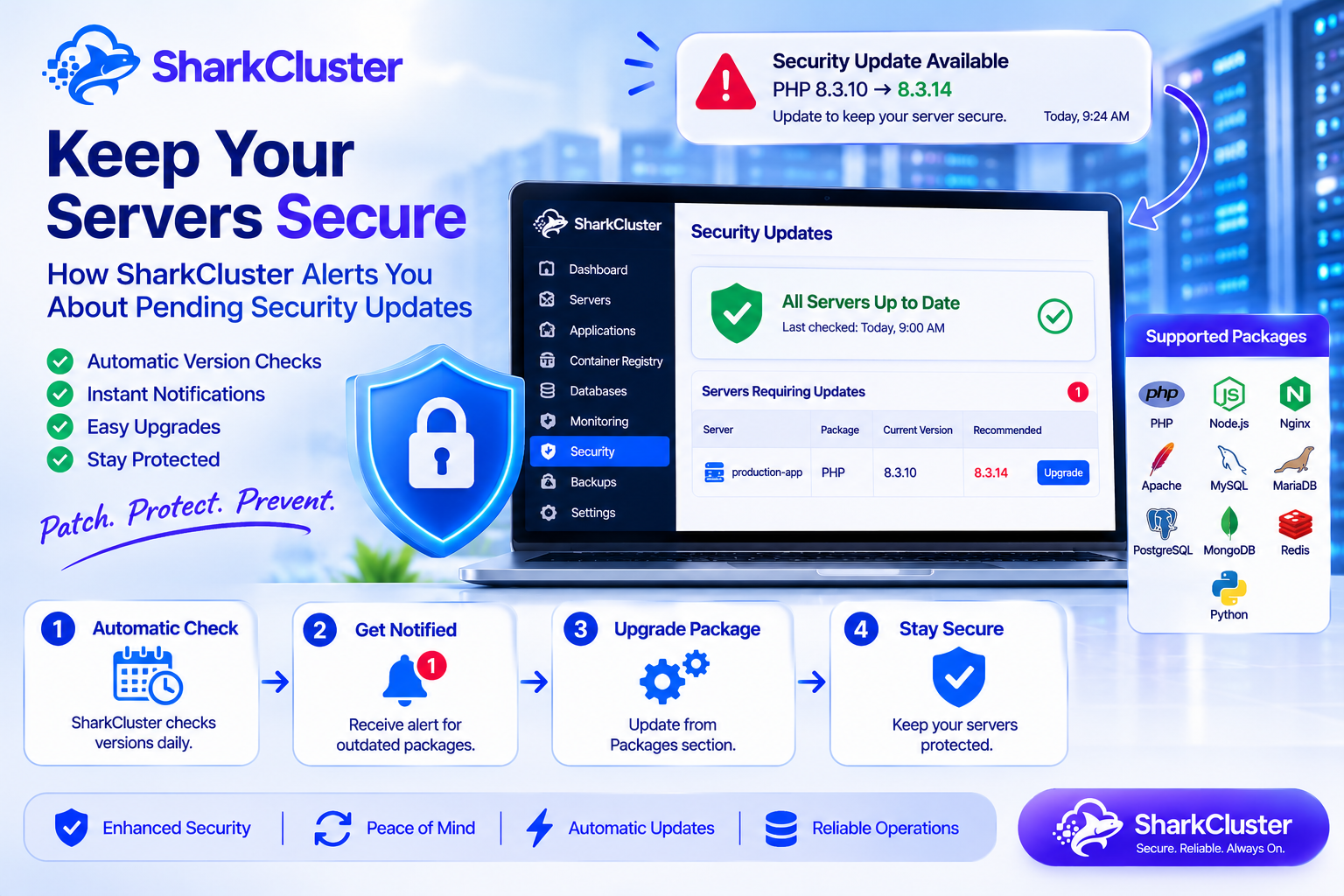

Many attacks on web servers don't rely on anything clever. They target known vulnerabilities in old versions of PHP, web servers and databases, vulnerabilities that were fixed months ago in an update the server never received.
Keeping up with security releases for every package on every server is tedious, so it often slips. SharkCluster does the checking for you: every day it compares the versions installed on your servers against the minimum versions that include the latest security fixes, and tells you when a server falls behind.
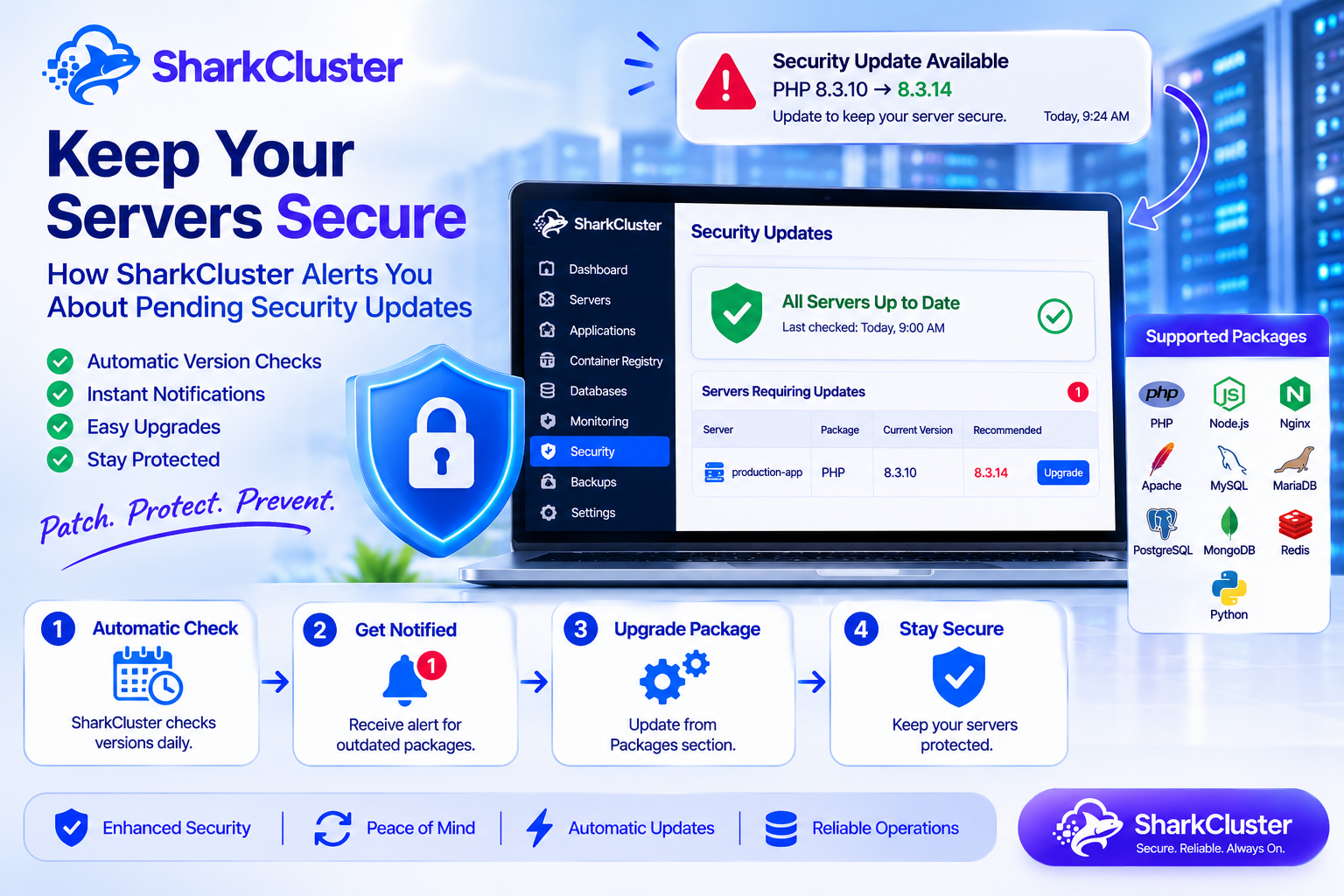
How the daily check works
- SharkCluster keeps a record of the versions installed on each of your servers. This is refreshed whenever you sync packages, and after every upgrade made through the dashboard.
- The SharkCluster team maintains a list of minimum secure versions for each watched package, updated as new security releases come out.
- Once a day, SharkCluster compares every server's installed versions against that list. The check reads the stored versions, so it never connects to or slows down your servers.
- If a server is behind, you get a Security Update Available notification naming the server, the package, the version you're running and the version you should update to.
Which packages are watched
The check currently covers PHP, the most common runtime on SharkCluster servers. The same system can also watch Node.js, Nginx, Apache, MySQL, MariaDB, PostgreSQL, MongoDB, Redis and Python, and these are added as the team publishes minimum versions for them.
How SharkCluster decides a server is outdated
Software projects usually maintain several release branches at once. PHP, for example, ships security fixes for 8.2, 8.3 and 8.4 in parallel. SharkCluster compares your server against the minimum version for the branch you are on, so you aren't pushed into a major upgrade you didn't plan for.
| Your server runs | Minimum versions on the list | Result |
|---|---|---|
| PHP 8.3.10 | 8.2.20, 8.3.14, 8.4.5 | Outdated: update to 8.3.14 or later on the same branch |
| PHP 8.3.15 | 8.2.20, 8.3.14, 8.4.5 | Up to date: no notification |
| PHP 7.4.33 | 8.2.20, 8.3.14, 8.4.5 | Outdated: the 7.4 branch no longer receives fixes, so the minimum is 8.2.20 |
The version numbers above are examples. The real minimums change as new security releases come out.
If a version can't be compared reliably, for example when only the major and minor version are known, SharkCluster doesn't flag it, so you don't get false alarms.
Notified once, not every day
You get one notification for each server, package and version. If you don't update straight away, you won't receive the same notice again every morning. You will get a new notification if:
- a newer security release raises the minimum version for your branch, or
- the server changes to a different version that is still below the minimum.
Notifications appear under the bell icon in the dashboard header and in your Notifications page, labelled Security Update Available.
How to update a package
- Open the server named in the notification and go to Packages.
- Click Sync Packages to make sure the installed versions shown are current.
- Find the package, for example PHP, and click Upgrade.
- Choose the version to upgrade to. Pick at least the version named in the notification.
- Confirm the upgrade. When it finishes, SharkCluster syncs the versions again automatically so your dashboard reflects the new version.
Upgrade safely
Security updates within the same branch (8.3.10 to 8.3.14) contain fixes rather than new features, so they rarely break anything. Still, a little caution goes a long way:
- Take a backup first. Create a snapshot or image from the server's Backups page so you can roll back in minutes if needed.
- Test on a copy for bigger jumps. Moving to a new branch, such as PHP 7.4 to 8.2, can break older code. Try it on a clone first: see how to clone an application or server for staging.
- Pick a quiet time. Services may restart briefly during an upgrade, so schedule it outside peak traffic.
- Check your site afterwards. Load the homepage, log in, and run through one important action such as a checkout or a form.
Security is a habit, not a one-off
Version alerts cover one important part of server security. Combine them with the other protections SharkCluster gives you:
- Health alerts for CPU, RAM, disk and failed services: see how to set up server alerts.
- Regular automatic backups so any problem is recoverable.
- Firewall, malware scanning and access controls from the server's Security section, so only the access you need is open.
Most breaches exploit vulnerabilities that already had a fix. Staying patched closes that door.
Wrapping up
You don't need to follow every security mailing list to keep your servers patched. SharkCluster checks your installed versions every day and tells you when an update is due. When a notification arrives, take a backup, upgrade from the Packages page, and check your site.
Run this on your own VPS
Deploy servers and applications on infrastructure you own, managed from one panel — backups, caching, firewall and monitoring included.